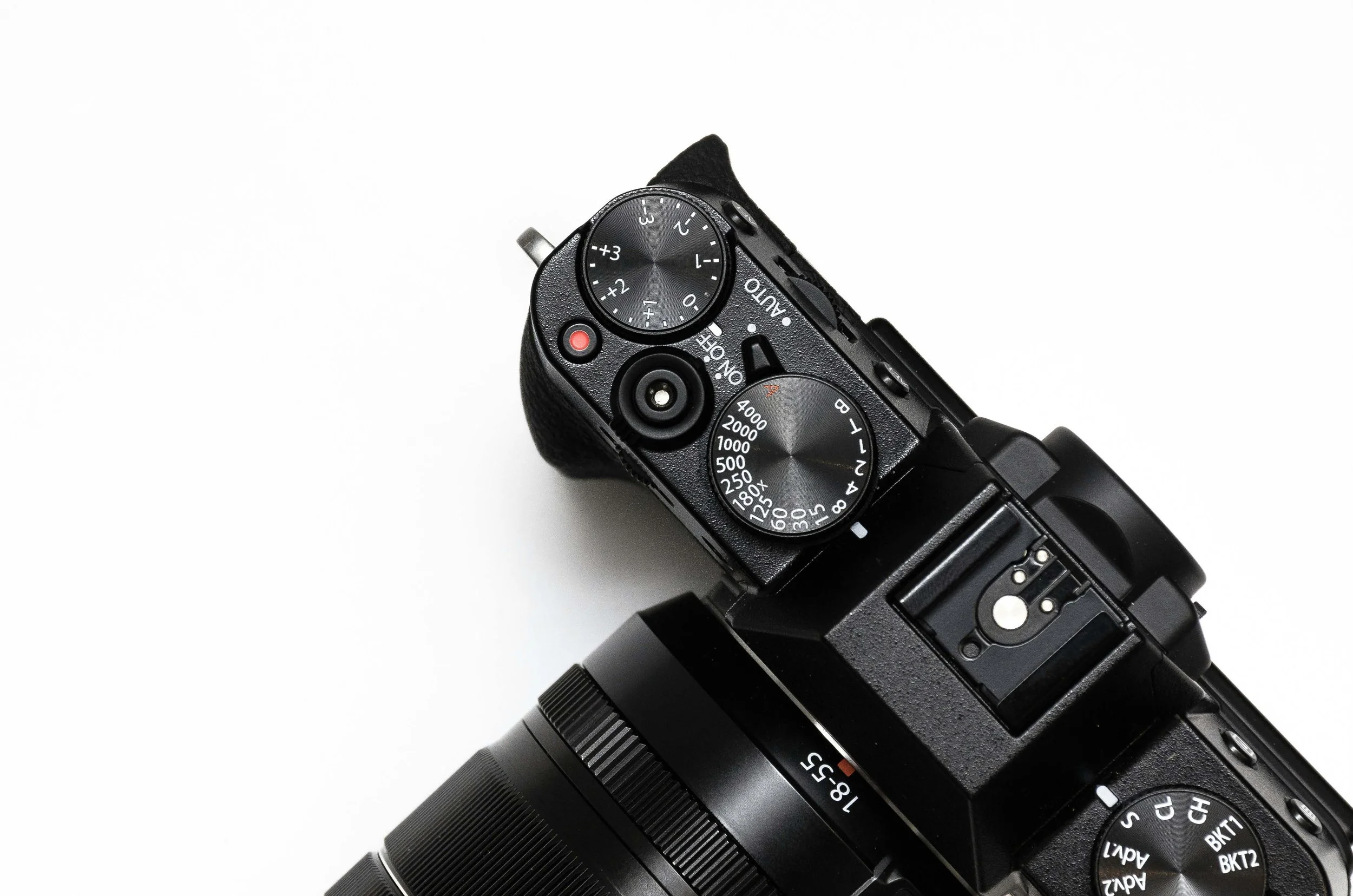
Chapter 1 - Camera Basics
Understanding your camera so you can shoot with confidence.
This chapter lays the foundation for everything you’ll create in the course.
What You’ll Learn In This Chapter
Introduction & Camera Basics (Photo + Video)
This chapter introduces the core fundamentals of how your camera works for both photography and video.
Start by downloading the Chapter 1 notes, then watch the videos to follow along and reinforce what you’re learning.
By the end of this chapter, you will understand:
The main parts of your camera and how they function
The key differences between photo and video settings
How aperture, shutter speed, and ISO work together
How frame rate and shutter speed affect video motion
How to use white balance for accurate color
Chapter 1 Downloads
These notes and resources are designed to work alongside the video lessons in this chapter.
For the best learning experience, follow this simple process:
Read → Watch → Practice
Start by downloading the notes and reading through the chapter. Don't worry about memorizing everything—focus on understanding the key concepts.
Next, watch the video lessons to see these concepts demonstrated and explained in a real-world way.
Finally, complete the chapter task or exercise using your camera. Applying what you've learned is where real growth happens.
Feel free to work through the material in smaller sections rather than all at once, and save these notes for future reference as you continue through the course.
🎥 Video Lessons
These videos break down the core camera skills you need for both photography and video, using real-world examples and practical setups.
Each lesson focuses on one concept at a time so you can follow along, pause when needed, and build your understanding step by step.
Work through the chapter at your own pace, and revisit the lessons anytime to reinforce key concepts or sharpen your skills.
basic camera settings
Shutter Speed
Aperture
iso
White Balance
Auto Focus
QUICK ACCESS BUTTON
Custom Button Setup
🛠 Chapter 1 Task
Getting Comfortable With Your Camera
This task is all about getting familiar with your camera and building confidence with the settings introduced in this chapter.
This is hands-on practice designed to help you improve through real use.
Over the next few days, focus on the following:
• Watch the Chapter 1 video lessons
• Use the Camera Settings Cheat Sheet as a guide while you practice
• Try different shutter speeds, apertures, and ISO in a variety of environments
• Pay attention to how your camera responds to light, motion, and changing conditions
• Set up your custom buttons or quick-access controls for important settings
If your camera doesn’t have custom buttons - or you prefer not to use them - that’s completely fine.
In that case, focus on learning how to quickly access your shutter speed, aperture, ISO, and white balance so you can adjust them confidently while shooting.
Setting up quick-access controls will help your camera feel more intuitive and speed up your workflow as you continue practicing.
There are no right or wrong results - the goal is to experiment, explore, and start feeling comfortable using your camera in real situations.
If you’d like, review your photos afterward and take note of what worked, what didn’t, and what you want to improve next.
Next Lesson
When you're ready, continue on to the next lesson.